IPTV EPG: Setting Up the TV Guide
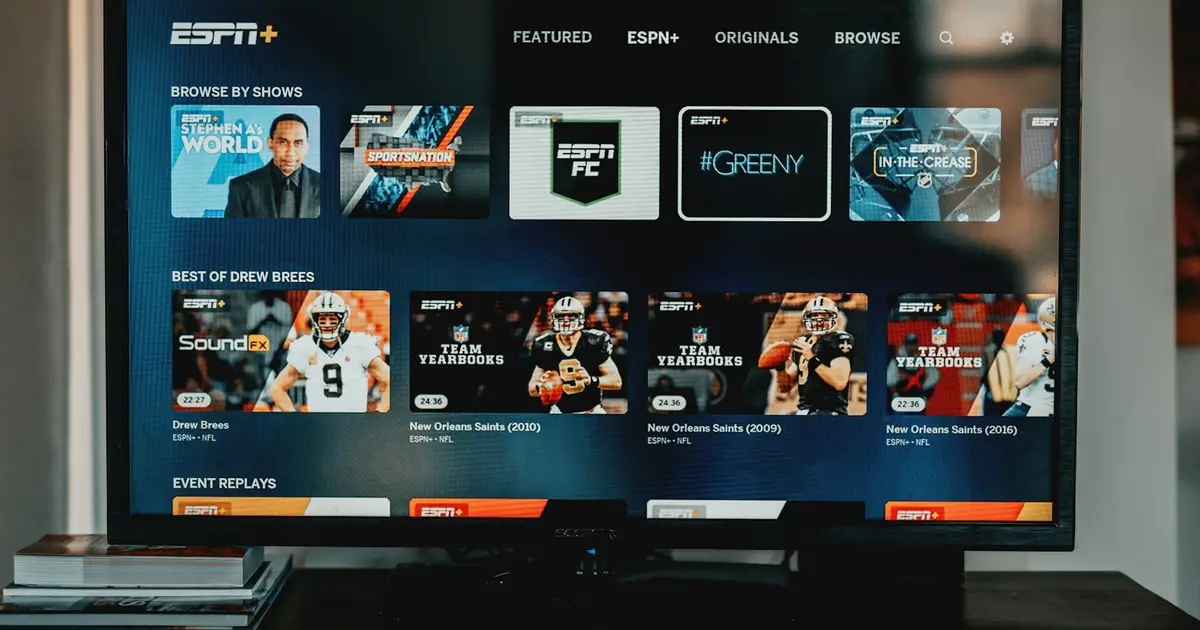
EPG: the TV guide on your screen
EPG stands for "Electronic Program Guide". The line next to each channel showing what is on now and what is next comes from there.
On satellite, programme information travels inside the broadcast signal. On IPTV it is a separate file: the app loads the channel list first, then the programme data. Because the two are separate, one can arrive while the other does not — which is exactly why you sometimes see channels with an empty guide.
What it gives you
- Planning the evening: kick-off times without opening channels one by one.
- Choosing a channel: with over a thousand entries you browse content, not names.
- Reaching the archive: on channels that support catch-up you open a past programme straight from the guide. See Catch-up TV
- Setting reminders: most players let you flag a programme from the guide.
If the guide is empty
Work through these in order:
- Refresh the EPG manually. The option is called "Update EPG" or "Refresh guide" in app settings. The first download can take a few minutes — the file is larger than the channel list.
- Close and reopen the app. Some players read guide data only at startup.
- Check the time zone. If the times are shifted, the problem is a setting, not the data. Set "Time shift" or "EPG offset" to 0 and confirm the device time zone.
- Clear the cache. A half-downloaded file can block the next attempt. Choose "Clear cache" — not "Clear data", which also removes your login details.
Times off by exactly one hour
Almost always daylight saving. Set the device time zone manually, or shift the player's EPG offset by an hour.
Not every channel carries guide data
Programme information comes from the channel provider. Major national channels and sports channels usually carry full data; small regional channels often carry none. That is a property of the source, not a fault.
Making the guide more useful
Put the channels you actually watch into favourites and open the guide in favourites view — then it shows only your channels: Organising your channel list
Still nothing
Menu names differ between players. For your device see the setup guides; if it persists, write to us from the support page.
Explore more
Have a question about this post?
Get quick help about setup, packages, or device compatibility.